Multi Link QR Code Guide: Setup Steps and Tips for Guests
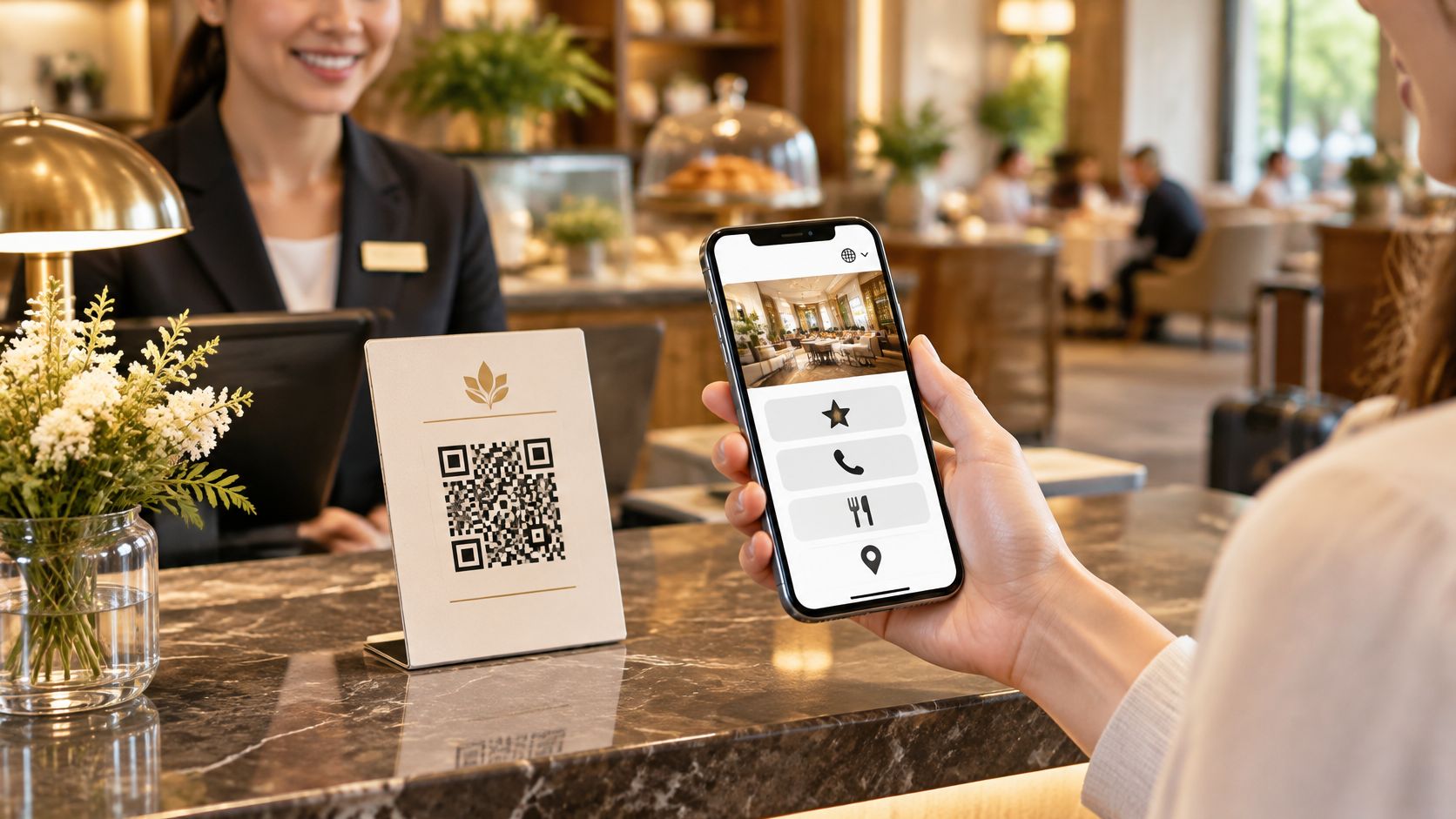
The rental counter is busy. A guest needs the return point, another wants the WhatsApp number, and someone leaving asks where to post a review. The owner has the links, but they're scattered across messages, social profiles and printed cards.
A multi link QR code gives those guests a single place to start. The useful part isn't the pattern on the sticker. It's the page behind it, and the care taken to keep that page clear, current and safe.
One Code, One Page, Many Links
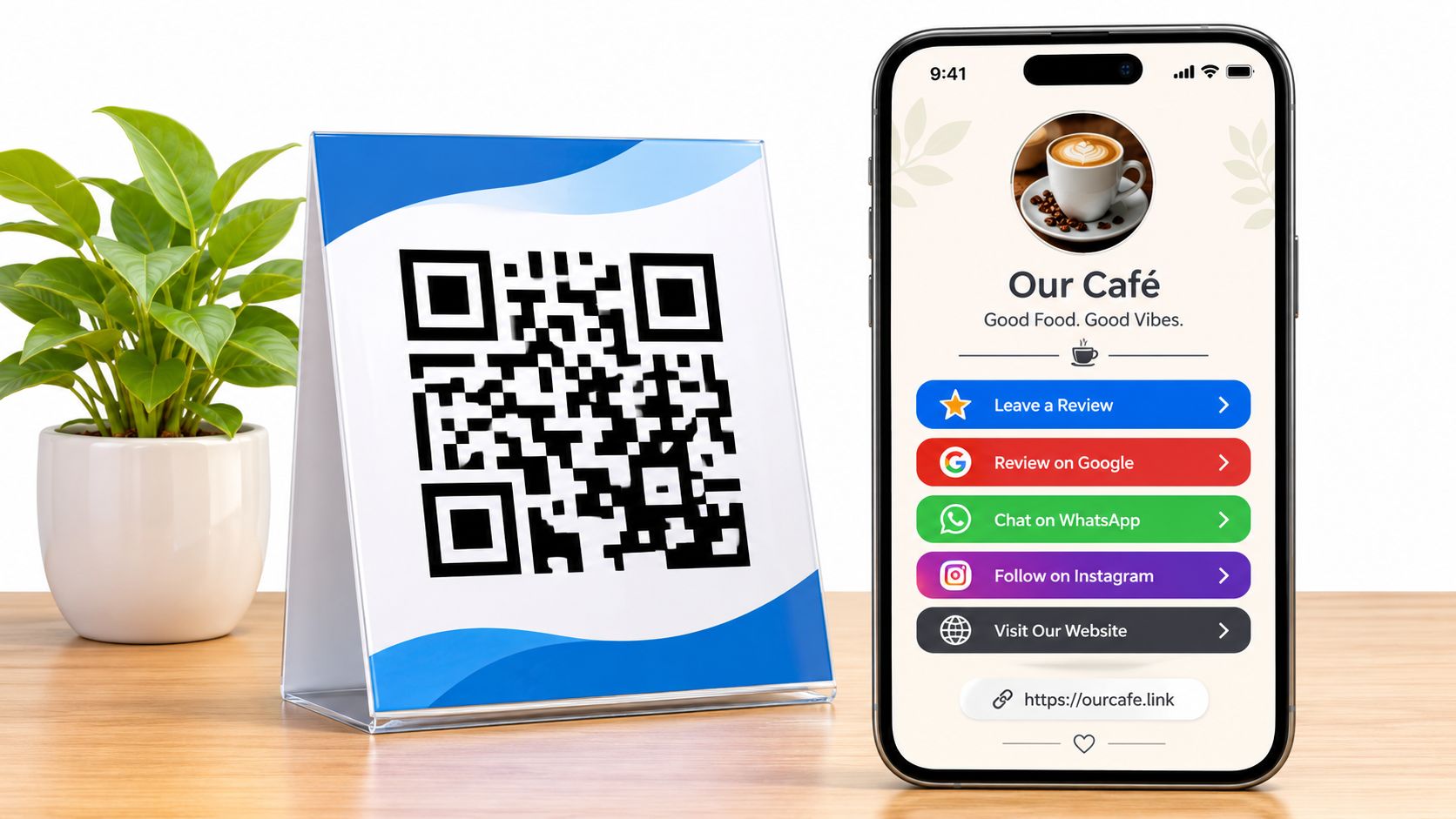
One printed QR code can open a mobile page containing every link a guest needs. The code stores a short web address, and the page at that address holds the review buttons, contact details and practical information.
It works like a front desk. Guests arrive at the same place, then choose the right destination without knowing how the business is organised. A boat rental page might offer a return map, WhatsApp contact, safety information and review buttons.
A shared entrance instead of scattered stickers
Separate codes create separate decisions before the guest has even scanned. A counter covered with codes for Instagram, menus, reviews and bookings leaves guests guessing which one matters. If a code points directly to a destination that later moves, that printed code may need replacing.
A shared page keeps those destinations together. The printed pattern stays fixed while the owner updates the page behind it. The guest sees a clear list rather than a collection of competing stickers.
The technology has practical roots. DENSO's QR Code history explains that its engineers in Japan created the QR Code in 1994 for car factories, where conventional barcodes couldn't efficiently hold the information needed on kanban cards.
For a small business, the important distinction is between the printed address and the editable content. The symbol doesn't need to contain the menu, every social profile and all the house rules. It only needs to lead reliably to the page that organises them.
Choosing where the page lives
HolaQR builds a branded mobile page with the business's links and a printable QR code. It offers a free QR review page that shows itself in each guest's language, with direct review buttons and a code that never expires.
Owners comparing tools should consider:
- Cost: Whether the useful service is free, a trial or an ongoing subscription.
- Editing: Whether destinations can change without replacing printed materials.
- Language support: Whether visiting guests can understand the page without help.
- Existing resources: Whether the business's own mobile website already does the job.
A separate service isn't automatically better than a well-maintained website. The best choice is the page the owner can keep useful.
Practical rule: One printed code, one page, many links, kept current.
Review Buttons That Follow Google and Tripadvisor Rules
Asking guests for a review is allowed. Google's business review guidance permits businesses to share a review link or QR code and remind customers to review a genuine experience. It prohibits money, discounts, free goods or services in exchange for a review, a changed review or the removal of a negative review.
Google also prohibits discouraging negative reviews or selectively asking customers likely to leave positive ones. The invitation must stay neutral. The guest chooses whether to review, what to write and which rating to give.
Tripadvisor's guide to incentivized reviews bans incentives tied to review requests, including a free drink, Wi-Fi, a bill discount, a room upgrade, a raffle entry, late checkout or an employee bonus linked to review volume. A possible benefit still counts, even when it isn't guaranteed.
Keep the invitation separate from any benefit
A neutral code can sit at checkout, on rental equipment or inside a welcome folder. Every guest should receive the same invitation, regardless of whether staff expect praise or criticism. HolaQR sends every guest to the same review window.
Suitable wording asks guests to share an honest experience. It doesn't request five stars, suggest a rating or make access to a benefit conditional on reviewing.
Review requests: what is allowed and what is not
| Practice | Allowed | Reason |
|---|---|---|
| Asking every guest to share a review | Yes | Both platforms allow requests sent to all customers |
| Using the same review route for every guest | Yes | Keeps the request neutral |
| Offering a discount, free drink or raffle entry for a review | No | Incentives tied to reviews break both platforms' rules |
| Asking only guests you expect to be happy | No | Selective requests count as rating manipulation |
| Steering unhappy guests away from public reviews | No | Blocks honest feedback and can get reviews removed |
| Showing a contact button for service questions | Yes | Fine as long as it does not stop public reviews |
The reason is straightforward: a review should describe the guest's experience, not the reward attached to it. Google's contribution policy treats incentivized or biased reviews as rating manipulation and says prohibited content may be removed.
Staff wording matters as much as page design. A neutral sign won't fix a spoken invitation offered only to delighted guests. The same approach should apply at every handover, checkout and departure.
The guide to asking customers for Google reviews provides a useful basis for consistent requests. A contact button for service questions is fine, but it must never become a gate that stops dissatisfied guests from leaving honest public feedback.
Page Setups for Each Type of Business
| Business | Put first on the page | Review route to show | Guest question answered |
|---|---|---|---|
| Bike or boat rental | Route map and return time | Google and Tripadvisor buttons | Where do guests drop off, and who can they call? |
| Tour or activity provider | Meeting point and what to bring | Google and Tripadvisor buttons | Where is the meeting point, and what clothing is suitable? |
| Restaurant, café, bar or beach club | Menu and opening hours | Google review button | Is there a table, and what is on the menu? |
| Holiday home, B&B or hotel | Check-in steps and house rules | Google and Tripadvisor buttons | How does entry work, and where can guests eat nearby? |
| Salon, spa or retail shop | Price list and booking contact | Google and Facebook recommendation | When are appointments available, and what do they cost? |
Links to put on a multi-link page, by business type should follow the guest's immediate task, not the owner's list of marketing channels. Someone standing beside a rental bike needs directions and return instructions before an Instagram feed. A guest outside a holiday home needs entry instructions before local restaurant suggestions.
Read each row from the guest's position
The first link should answer the most urgent question at the place where the code appears. A restaurant table calls for a menu. A tour meeting point calls for clear arrival details, including a recognisable landmark rather than only a map pin.
A link label should explain what opens next. Return point and closing time is more useful than Useful information. Menu and drinks is clearer than Discover more.
The review route should match the platforms the business's guests use. A short selection of relevant destinations is better than a full directory of platforms that the owner doesn't maintain. The same applies to social profiles: an abandoned account doesn't deserve space above a working contact button.
Owners weighing page builders can use these Linktree alternatives as a comparison starting point. The important test is whether guests can complete their task, not whether the page offers the longest feature list.
Keep only links that earn their place
A compact page should cover the visit without becoming a second website. Each additional button should answer a recognisable guest question.
- WhatsApp for daily questions: Use it for the queries staff would otherwise answer at the counter, such as return arrangements or booking availability. The label should make the purpose clear.
- House rules before arrival: Publish arrival instructions and practical rules early enough for guests to prepare. Public pages shouldn't expose private entry credentials.
- Opening hours on the page: Update seasonal hours where guests already look, rather than printing a fresh card whenever the schedule changes.
Contact links also create work. A WhatsApp button is useful only when someone is responsible for checking messages. Where replies aren't immediate, the page should explain the contact arrangement without promising instant help.
Before choosing a design, the owner should write a row for the actual business: the first link, the review route and the question answered. That simple decision prevents a page full of links with no clear purpose.
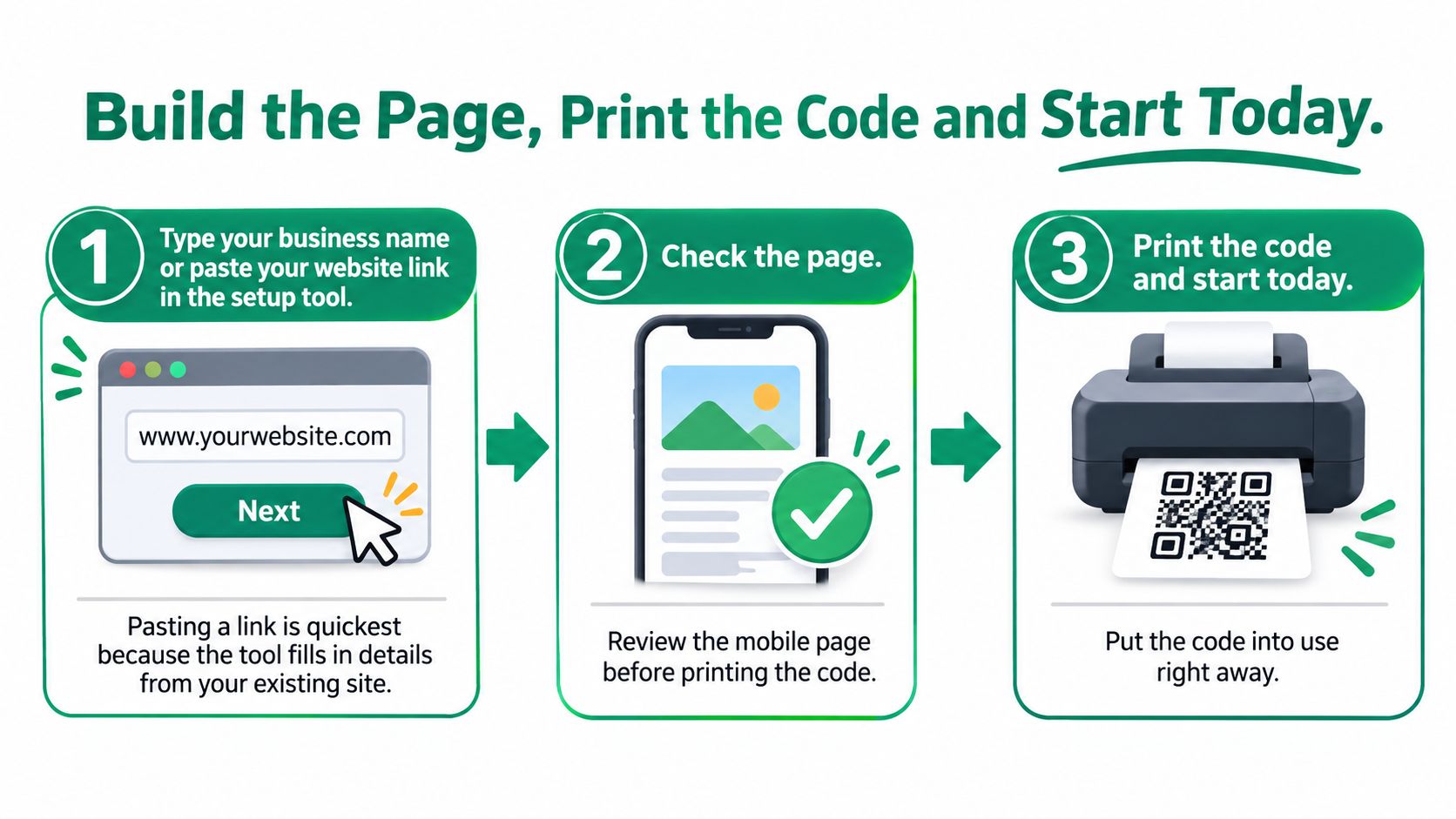
Build the Page, Print the Code and Start Today
A useful setup starts with correct destinations, not decorative QR styling. The owner should be able to recognise the business, understand the first action and reach every destination before any material goes to print.
Build and check the mobile page
Enter the business details. Setup can begin with the business name or a pasted website link. Pasting the website lets HolaQR use existing site details rather than requiring everything to be entered again. A Linktree link can also serve as the starting point.
Check what was found. HolaQR finds available logos, social accounts and review links automatically. The owner still needs to confirm that Instagram, Facebook and review destinations belong to the right business and location. Similar business names make this check especially important.
Fill gaps manually. If HolaQR can't find the business, the owner can enter the links directly in about one minute. A missing result isn't a reason to use an approximate match from a nearby business.
Add practical destinations. Menu, route, house-rule, local-tip and WhatsApp links should reflect the current service. Old seasonal offers and duplicate buttons should be removed before launch.
Test the guest view. The owner should open the page on a phone and tap every button. The check should cover the owner's language and a visitor language, including the destination page after each tap.
Put the code into use. The printable sticker or counter card can be downloaded once the page passes inspection. For an immediate start, guests can scan the code from the owner's phone screen without anything being printed.
The process is simple, but the preview deserves attention before the code reaches guests.
Launch where guests already pause
A sensible finished review page shows the business logo at the top, a clear review action, then contact and practical links below. Where the immediate task is arrival or ordering, that urgent information should take priority.
The launch doesn't need to cover every wall, table and vehicle. A counter, boat handover point, checkout or tour meeting spot provides a manageable place to begin.
A tested card in a useful spot is better than an untested batch of stickers spread across the business.
The actions for today are concrete:
- Choose a location: Pick a place where guests already pause with their phones available.
- Assign responsibility: Name the person who will maintain links and inspect the display.
- Schedule a follow-up: During the week, check every destination and review the page in a visitor language.
The follow-up should compare the actual buttons with the business-type table. Anything that doesn't help a guest complete a task can usually go.
Help Every Guest Scan, Read and Act
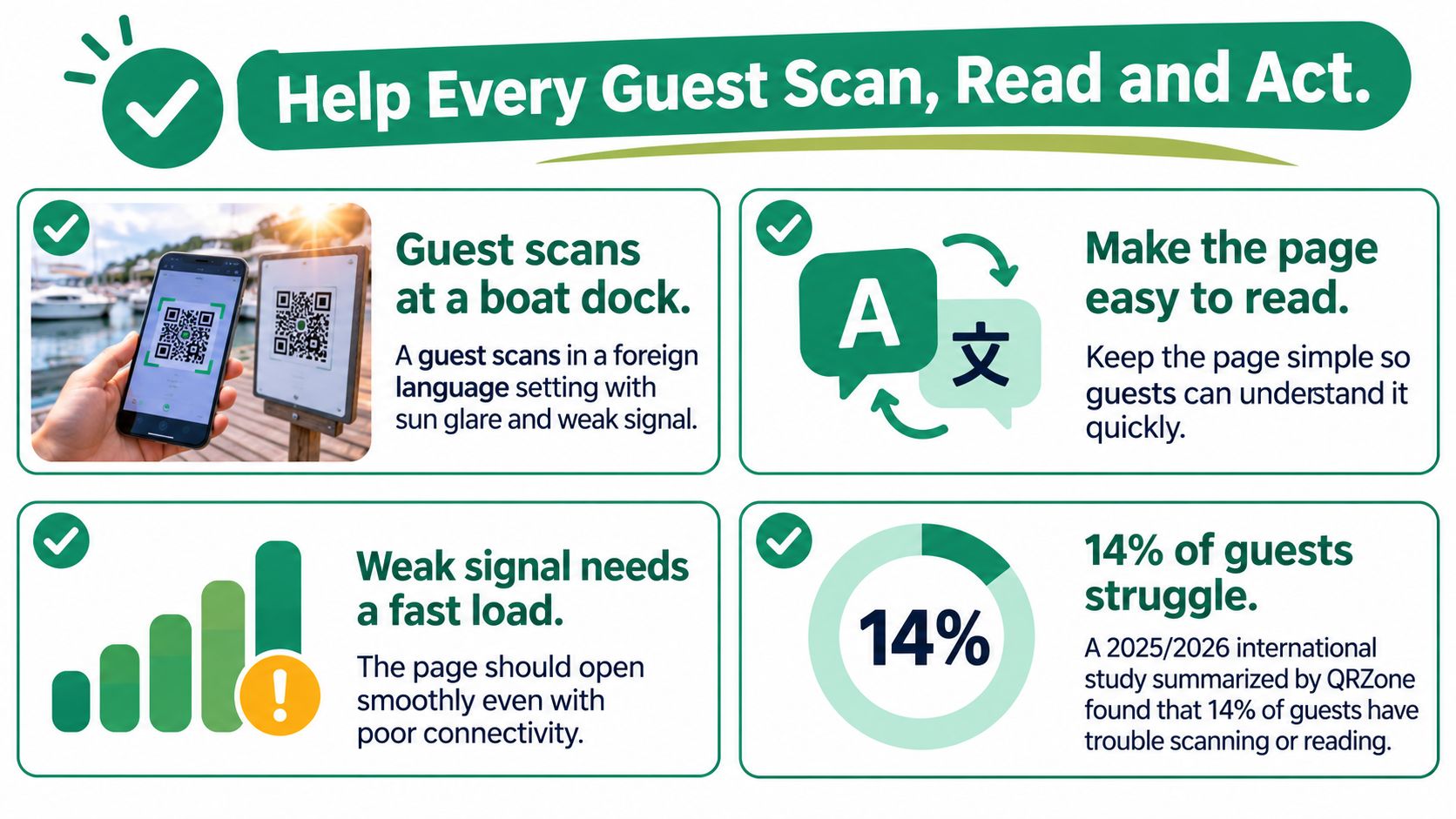
A guest at a boat dock may be dealing with bright sun, a weak signal and instructions in an unfamiliar language. A code that scans perfectly inside the office may be awkward to use beside the water. The page must work in the conditions of the visit.
A 2025/2026 international study summarised by QRZone's consumer QR behavior study reported that 14% of respondents had difficulty scanning QR codes because of physical or visual limitations; a separate 2026 consumer study reported that 42% wanted faster, more consistent QR experiences and 31% wanted information that was easier to save and revisit.
Those findings point to different problems. A larger, clearer printed code helps with scanning, but it doesn't fix a heavy page or confusing labels. Saving information helps a guest who can't finish the task at that moment.
Design for the whole task
Guests using HolaQR scan with their phone camera, then the page opens in the browser. No app or account is needed. The next step should be equally straightforward, without a welcome animation or a long introduction blocking the useful buttons.
The main action should be prominent. Review and contact buttons should remain distinct, so guests understand whether they're opening a public review form or sending the business a private message.
These checks help owners test the page beyond a comfortable office setting.
Guest-use checklist
- Readable print: Use strong contrast, leave clear space around the pattern and avoid reflective covers that create glare.
- Comfortable placement: Keep the code reachable without requiring guests to crouch, stretch or stand in a queue's path.
- Clear controls: Use short button labels and generous tap areas. Don't rely on colour alone to identify an action.
- Language choice: Check automatic language handling and provide a clear way to recover when the displayed language isn't suitable.
- Lightweight content: Avoid large background videos and unnecessary image files that slow access on weak connections.
- Save and share: Provide an obvious save or share route where the page supports it, or explain how to bookmark the page in the browser.
- A non-QR fallback: Print a readable short address beside the symbol and keep human help available.
A useful field test involves mobile data, ordinary screen brightness and the actual display location. The owner should also check the linked menu, map or rules document. An accessible landing page doesn't help if its next button opens a document that requires constant zooming.
Keep Printed Codes Working as Links Change
The restaurant changes its menu on Monday. If the printed code leads to an editable page, the owner replaces the menu destination there and leaves the table card alone. A menu update shouldn't become a printing job.
The design choice behind that matters. The printed code should carry only a short, stable web address, never the destinations themselves, so all the editing happens on the page. The sticker is a fixed pointer. The page behind it stays flexible.
Stability has an operating cost
A permanent HTTPS address should be the starting point. If forwarding is needed, a direct redirect is preferable to a chain of shortening services. Every extra service adds another place where routing can fail.
The trade-off is dependence on the page's online infrastructure. If the domain, security certificate, address lookup or redirect service fails, guests lose access to every destination even though the sticker looks perfect. A code that doesn't expire still needs a working page behind it.
The guide to dynamic QR codes explains how an editable online destination differs from a fixed printed pattern. Owners don't need to manage technical settings themselves, but they do need to know which address their printed code relies on.
Match the fault to the fix
| Problem | What to check | Practical fix |
|---|---|---|
| The menu button opens an old file | The destination saved on the page | Replace the menu link and open it again |
| A review button opens another branch | Business name, address and profile | Save the correct branch's review destination |
| The code opens an error page | The printed address and page availability | Restore the original address rather than changing destinations at random |
| The page loads after several forwards | Whether shorteners have been chained | Use a direct route to the maintained page |
| The page works but the sticker won't scan | Print damage, glare and placement | Replace the damaged display and test it in position |
| An imported page contains stale buttons | Each copied destination | Remove or update links before launch |
That last row catches owners who import rather than build. Pasting a Linktree link into HolaQR carries the existing links across to the new page, which saves re-entry but also carries over anything outdated. A page copied over in a minute can still ship a dead link from two years ago, so each copied destination deserves one tap before launch.
On HolaQR, changing the links on the page doesn't change the QR code, so printed stickers, flyers and counter cards keep working. The code itself never expires, and HolaQR states that later additions to its service won't break it either. That removes the main maintenance cost of printed materials: the owner edits destinations, not displays.
Maintenance rule: Change the page, not the print, and scan the actual printed code after every change.
Testing only the page preview misses faults in the route guests take. A preview can load perfectly while the printed symbol has faded, picked up glare or been placed somewhere awkward. The final check belongs at the counter, table or handover point, phone camera aimed at the sticker.
Protect Guests From Swapped or Fake Codes
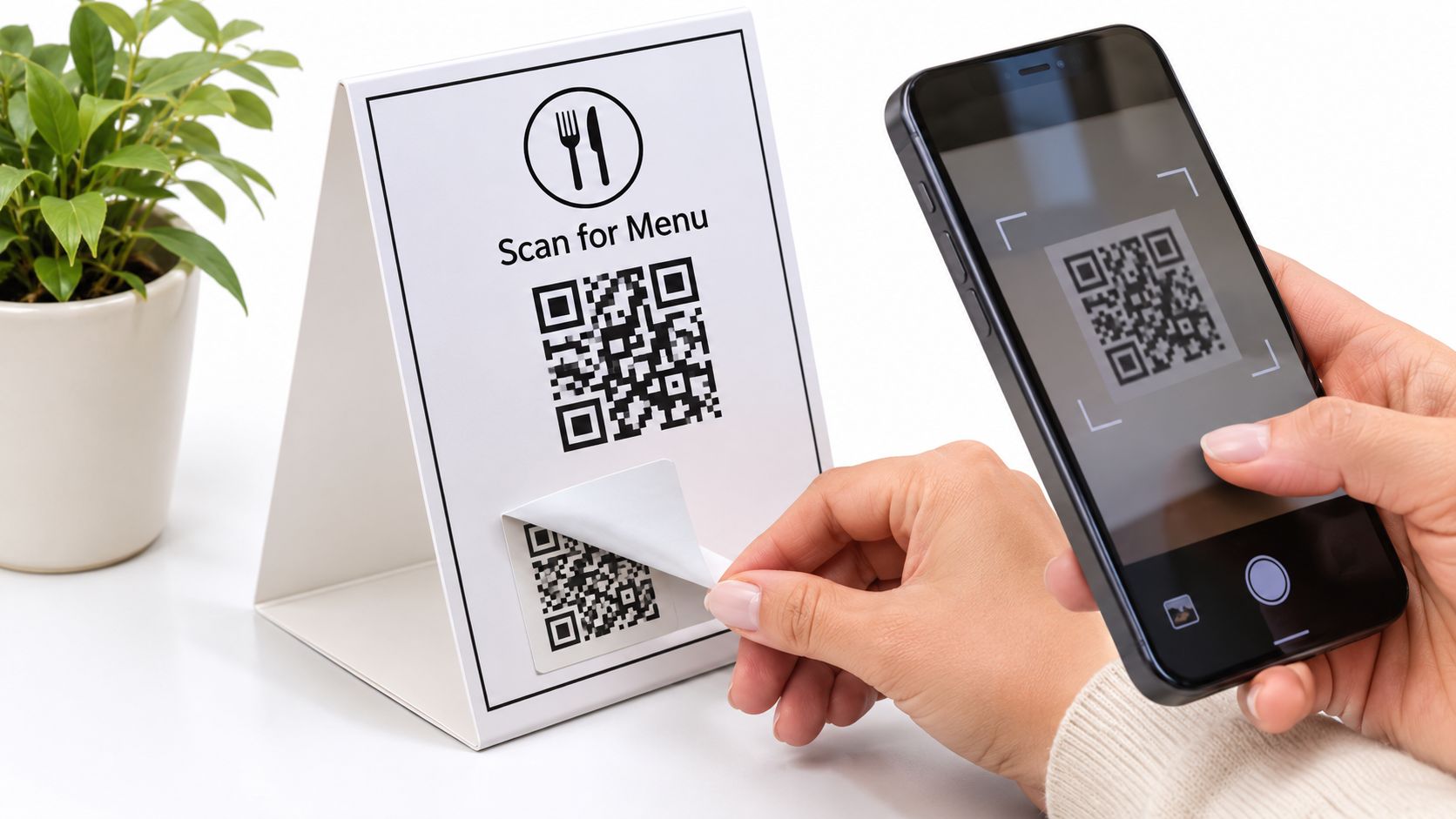
A guest sees a familiar-looking sticker and scans without a second thought. If someone has covered it with another code, the guest can reach the wrong page before noticing anything unusual. A tidy design isn't proof that the destination is genuine.
A 2025 report cited by CNBC's coverage of QR-code scams found that 73% of Americans scan QR codes without verifying them, while more than 26 million people had reportedly been directed to malicious sites; the coverage also cites the Anti-Phishing Working Group's report that Mimecast detected 635,672 unique malicious QR codes in Q2 2025.
A multi-link code should therefore be treated as a trust interface, not merely a design asset. The owner is asking guests to leave the physical business and trust a digital destination.
The display deserves the same attention as other guest-facing equipment.
Make the expected destination recognisable
The display should include the business name and a readable web address. During inspection, the owner should compare the phone's destination preview with the expected domain before opening it. An unfamiliar address needs checking, not an automatic tap.
The landing page should show the correct business name and logo. Branding helps guests recognise the destination, although a logo alone isn't proof of authenticity. HTTPS is necessary, but it doesn't guarantee that a site belongs to the business.
Owner controls should be direct:
- Inspect the surface: Look for peeling edges, a second sticker covering the first or a code that wasn't placed by staff.
- Check nearby displays: Unexpected codes beside the till, bike rack or welcome folder deserve attention.
- Maintain the page: Keep the publishing tool current and resolve browser security warnings rather than asking guests to bypass them.
- Offer another route: Keep a typed address and staff assistance available when a code looks suspicious.
Make inspection a routine
A monthly check should cover every printed location. The responsible person scans the display, records the domain it opens and photographs its condition and placement. Any sticker that has been covered or moved should be taken out of service and replaced with a checked copy.
Staff should also know who owns the approved materials. That makes an unfamiliar counter card easier to challenge before a guest uses it.
The final check is simple: Does the page show the business's name, logo and correct links?
An owner ready to start can create a HolaQR page without a credit card, check every destination and put the code into use from a phone screen today. The page, code and printable files are free. Before guests scan, the owner should confirm the displayed domain, test the review route and assign someone to keep the page and printed display in good order.